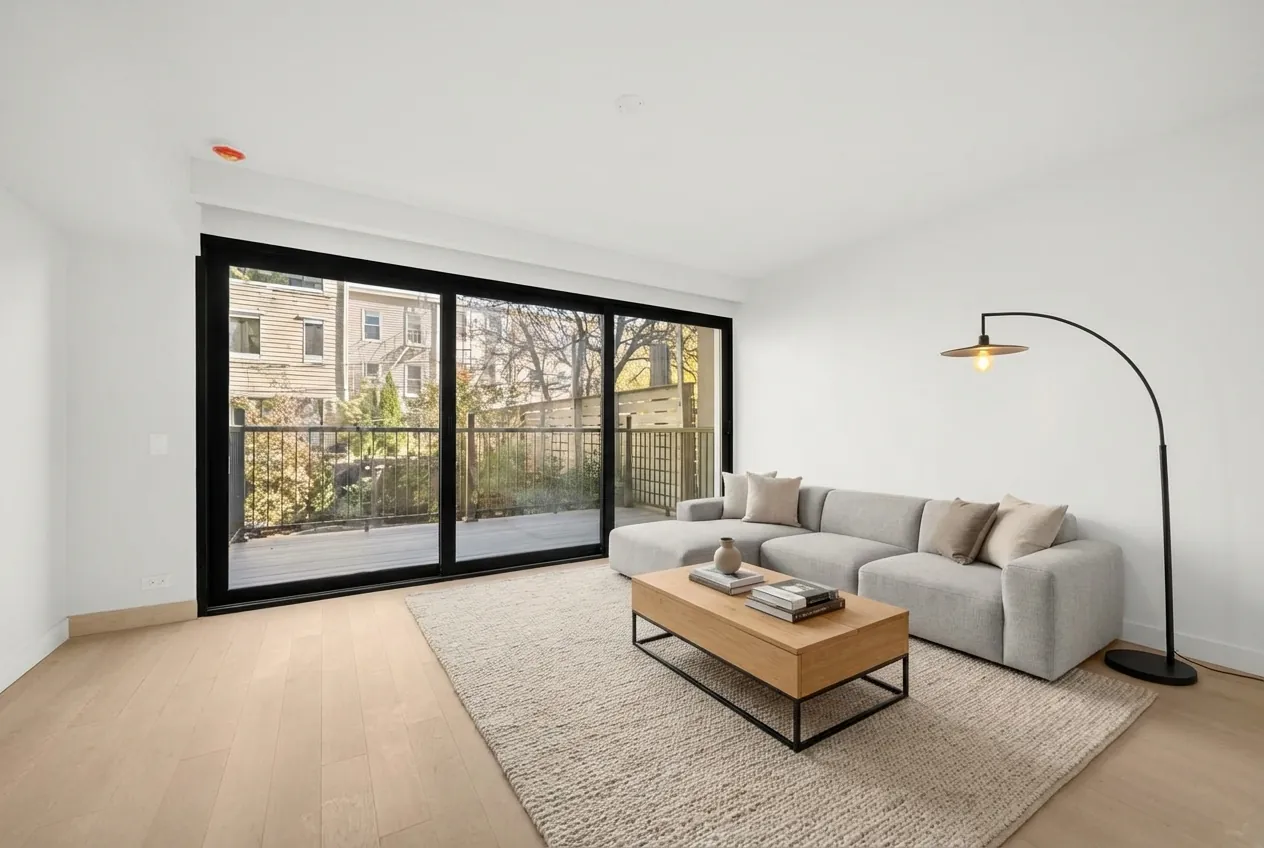
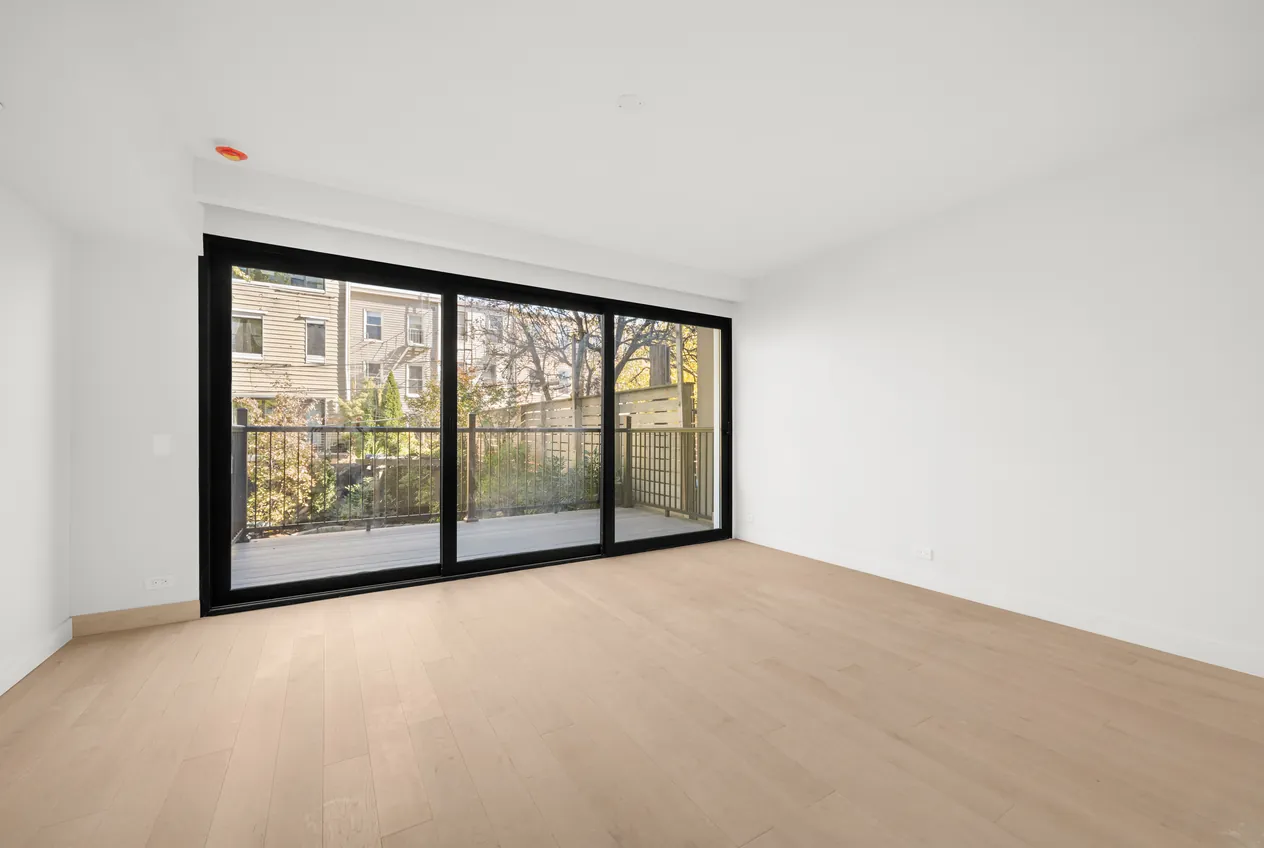
 Before
After
Before
After
Empty living room, staged in a modern style. Drag the slider to compare.
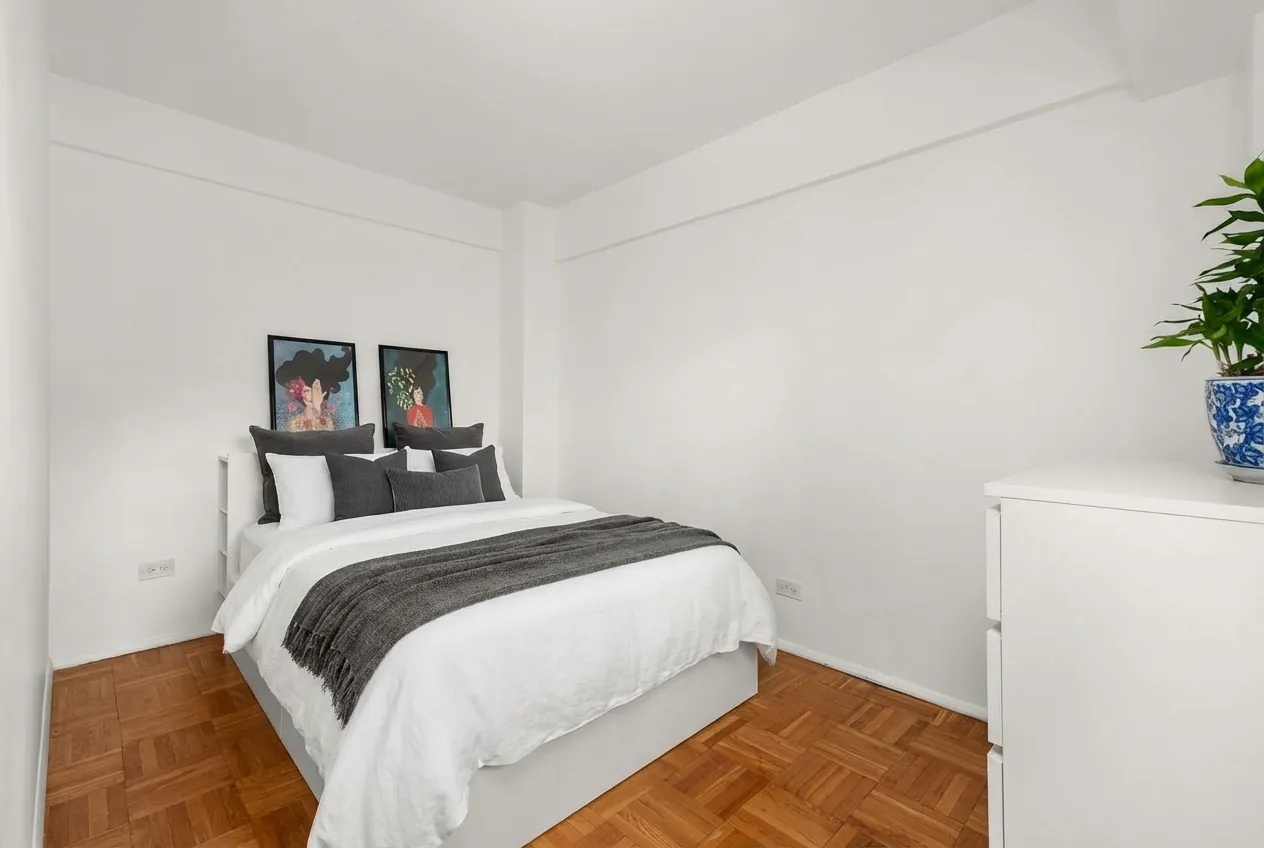
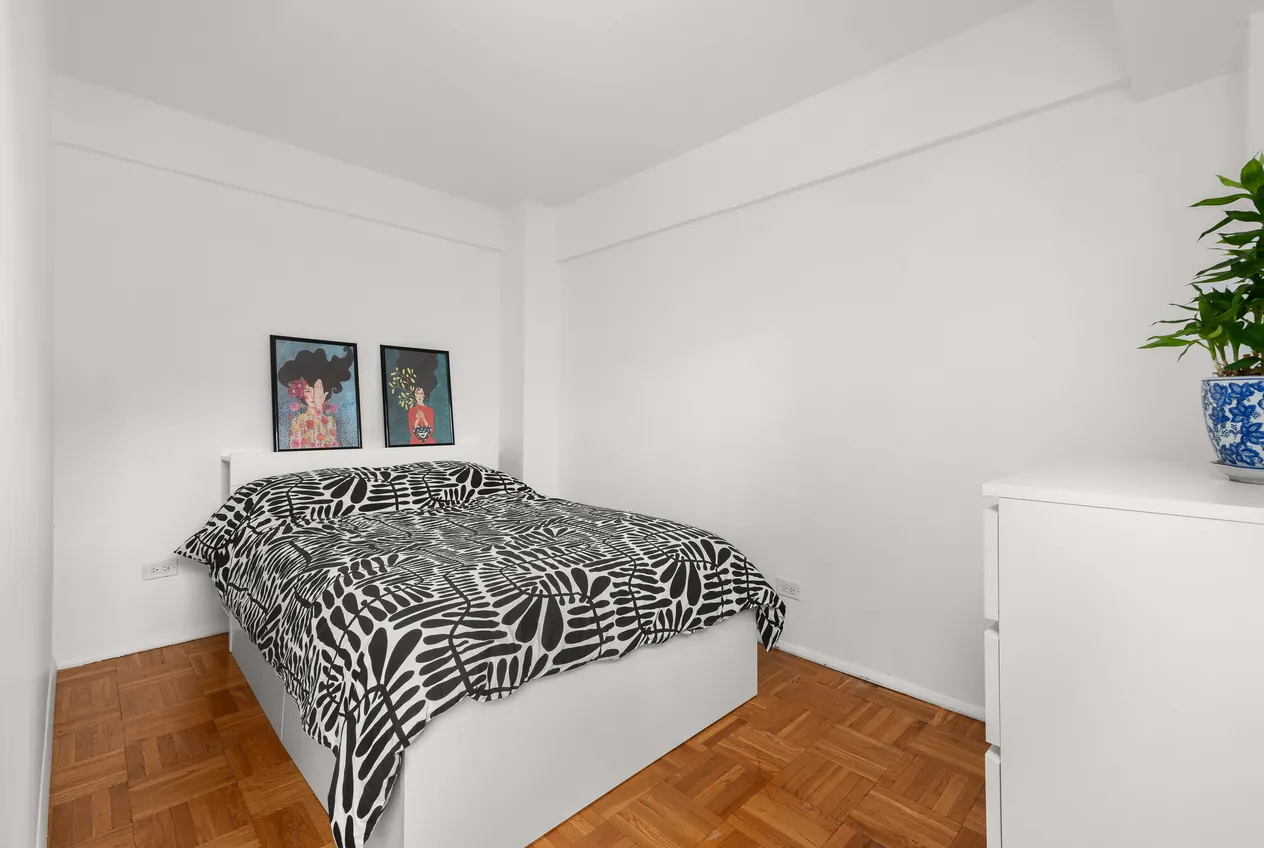
Real listing photos, staged by the system we built. Shown at web size.
The room stays the room.
A buyer who visits should recognize every window, beam and floorboard from the photos. So the system only touches what it's asked to: an empty floor, a dated sofa, or just the bedding.
Before
After

 Before
After
Before
After
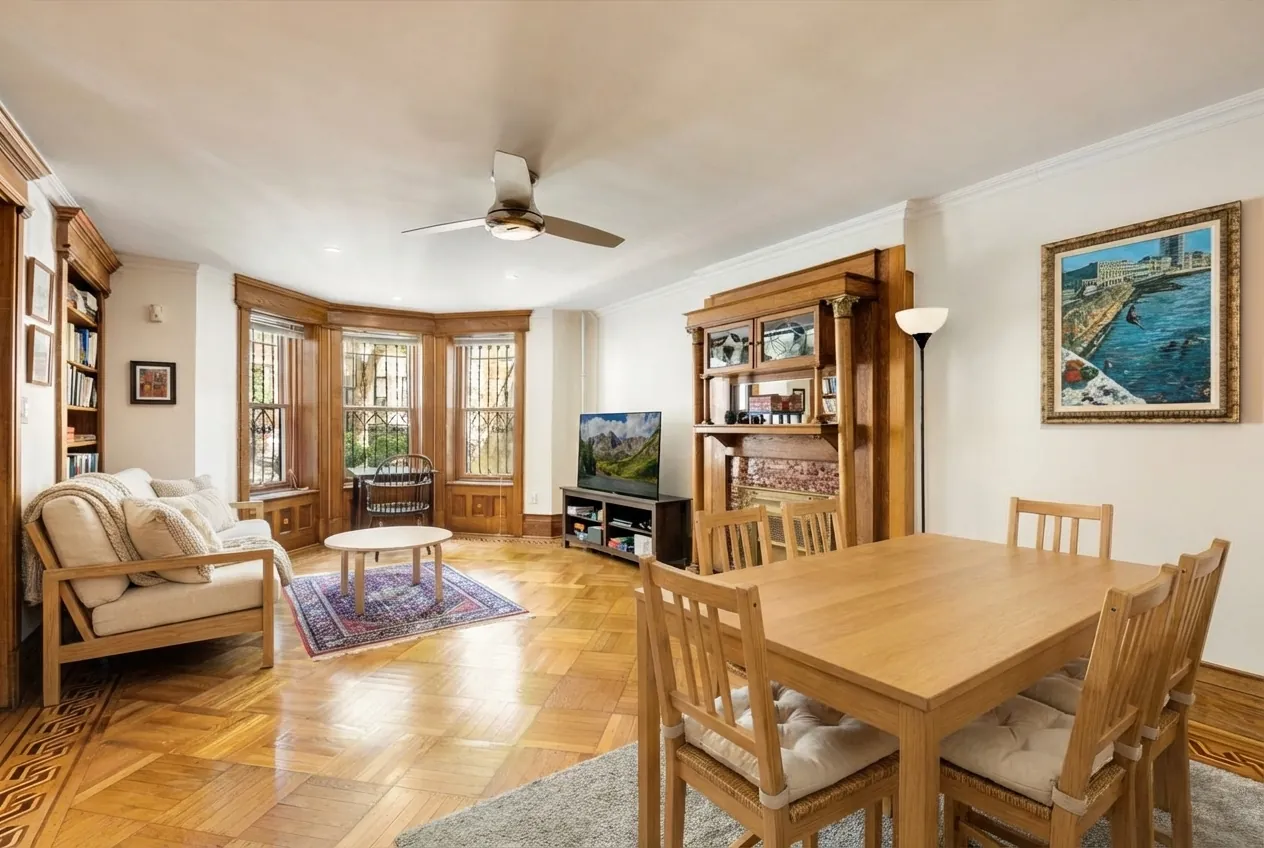
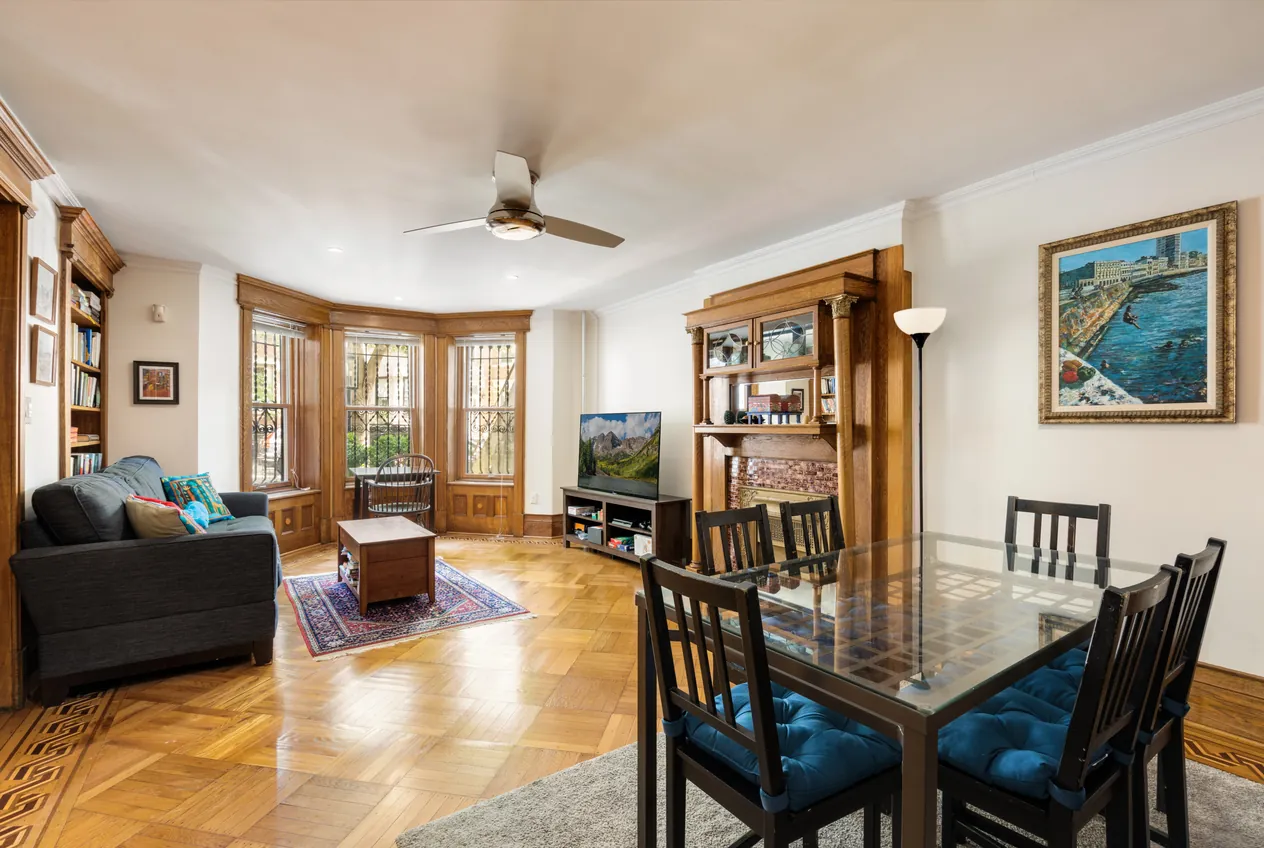 Before
After
Before
After
 Before
After
Before
After
How It Works
Upload the Photo
A listing photo of an empty or furnished room, at full resolution.
Choose What Changes
Stage the whole room in a style, or click or name the pieces to replace.
Get the Staged Photo
Back in under a minute, upscaled to 4K and ready for the listing.
What It Does
Built for the way listing photos actually get used
Furnish Empty Rooms
Stage a vacant room in a chosen style, scaled to fit the space.
Restyle Furnished Rooms
Replace the seller's furniture with something that photographs better.
Change One Piece
Swap a single item, like the sofa or the bedding, and keep everything else.
Point and Click
Pick what to replace by clicking it or naming it. No manual masking.
Every Angle Matches
The same furniture across different photos of the same room.
4K Output
Results are upscaled back to full listing resolution.
Running in production inside our client's real estate platform.
Why a generic AI image tool isn't enough
Ask a general AI image tool to furnish a room and it usually redraws the whole photo. Windows move, walls shift, the floor changes color, and the light no longer matches. For a listing, that's a serious problem: the photo has to show the property as it really is.
Our client runs a real estate platform and wanted virtual staging built into it. We treated it as a research problem first. Across more than 50 experiments we compared nine image models, from DALL-E 2 and SDXL with ControlNet to Flux, GPT Image and Google's Gemini models, and measured how much of the original room each one kept.
The result is a staging service with one job per step. Meta's SAM 3 model finds the furniture to replace, Gemini 3 Pro restages the room under tight instructions to leave the architecture alone, and Real-ESRGAN brings the result back to 4K. It runs as an API that the client's own app calls, so their team controls the user experience and we look after the AI.
If your business has an image problem the obvious AI tools get wrong, tell us about it.
Staged photos should say so
Virtual staging shows buyers what a room could look like, not what comes with the sale. Most listing services expect staged photos to be labeled, and we recommend publishing the original photo alongside the staged one.
Need AI Built Into Your Product?
Tell us what you're trying to do. We'll tell you honestly whether AI is the right tool for it.